
iPhone and iPad
CS Wizard iOS App for OCR A-Level Computer Science
All the notes, flashcards and exam questions from this site, offline, plus 11 step-through tools and confidence tracking for all 378 terms.
£0.99 once. No subscription, no adverts, no account. Screenshots show version 2, a free update for everyone who has the app.
11 tools that show their working
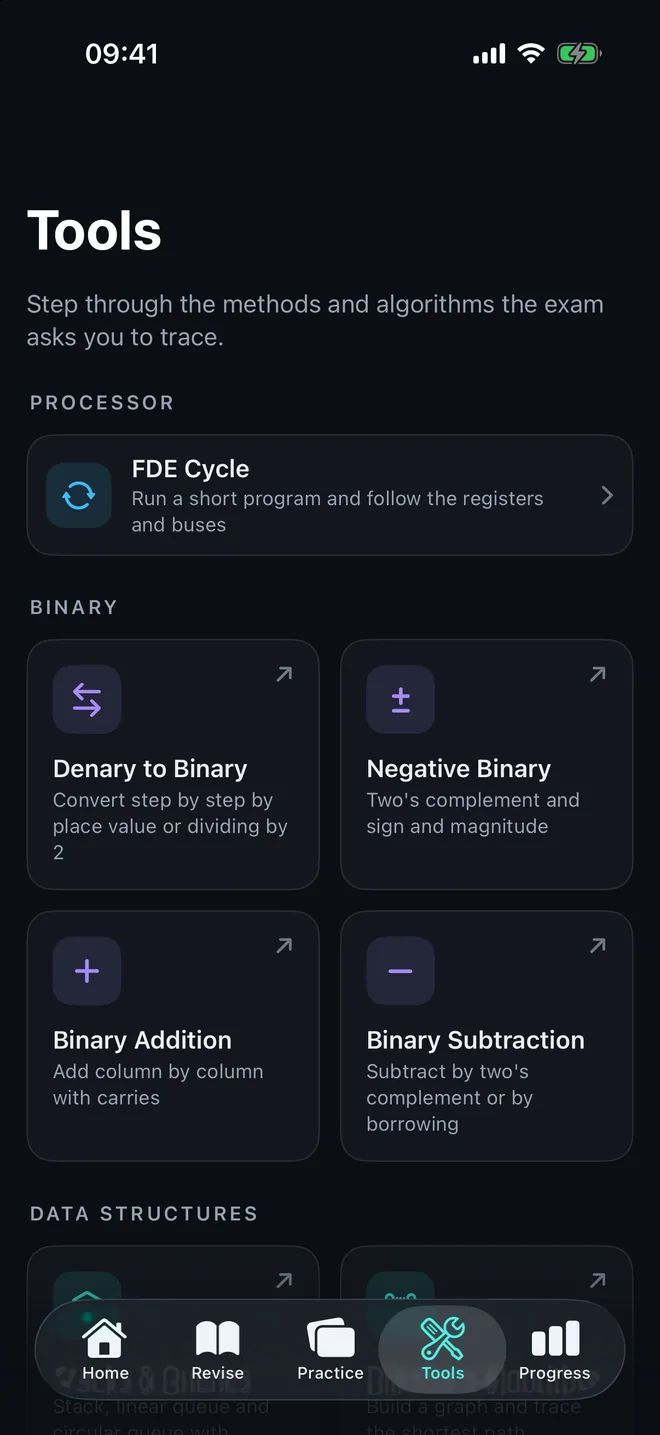
Enter your own numbers, lists, graphs or Boolean expressions and step through the method one stage at a time, the way an exam question asks you to trace it.
Processor
Topic 1.1.1FDE cycle
Run a short program and follow the registers and buses
Binary
Topic 1.4.1Denary to binary
Convert step by step, by place value or by dividing by 2
Negative binary
Two's complement and sign and magnitude
Binary addition
Add column by column with carries, and see when it overflows
Binary subtraction
Subtract by two's complement or by borrowing
Data structures
Topic 1.4.2Stacks and queues
Stack, linear queue and circular queue with their pointers
Boolean logic
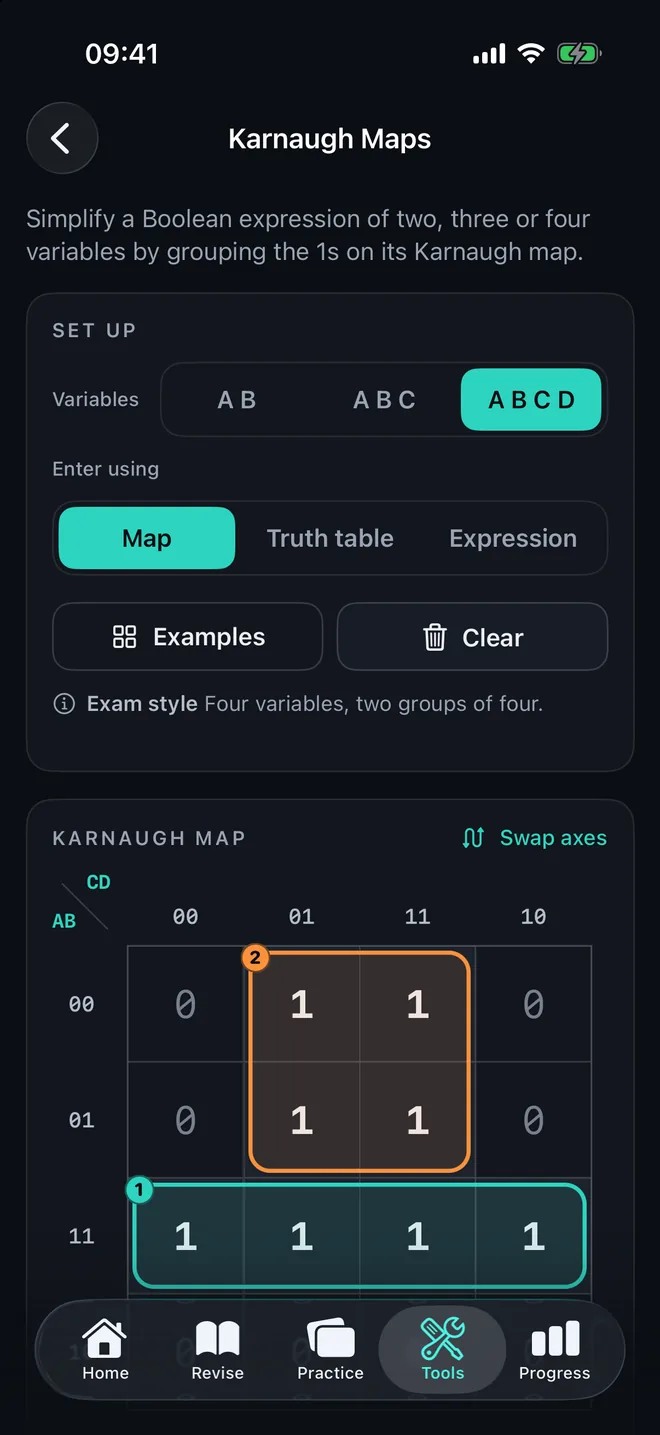
Topic 1.4.3Karnaugh maps
Simplify a Boolean expression by grouping the 1s
Algorithms
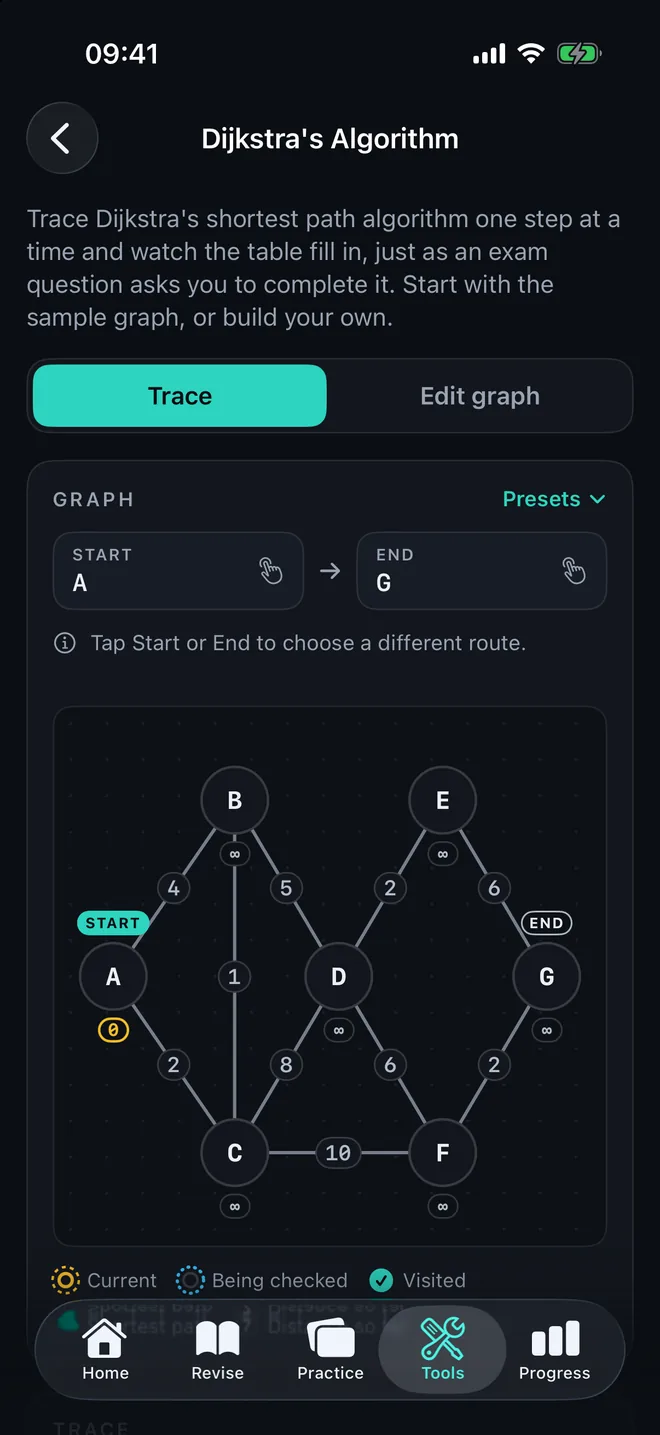
Topic 2.3.1Dijkstra's algorithm
Build a graph and trace the shortest path as the table fills in
Linear search
Check each item in turn
Binary search
Halve a sorted list on every comparison
Sorting algorithms
Bubble, insertion, merge and quick sort on the same list
Confidence tracking for every term
The app remembers how well you know each of the 378 terms, so revision time goes on the ones you are shaky on.
- 1
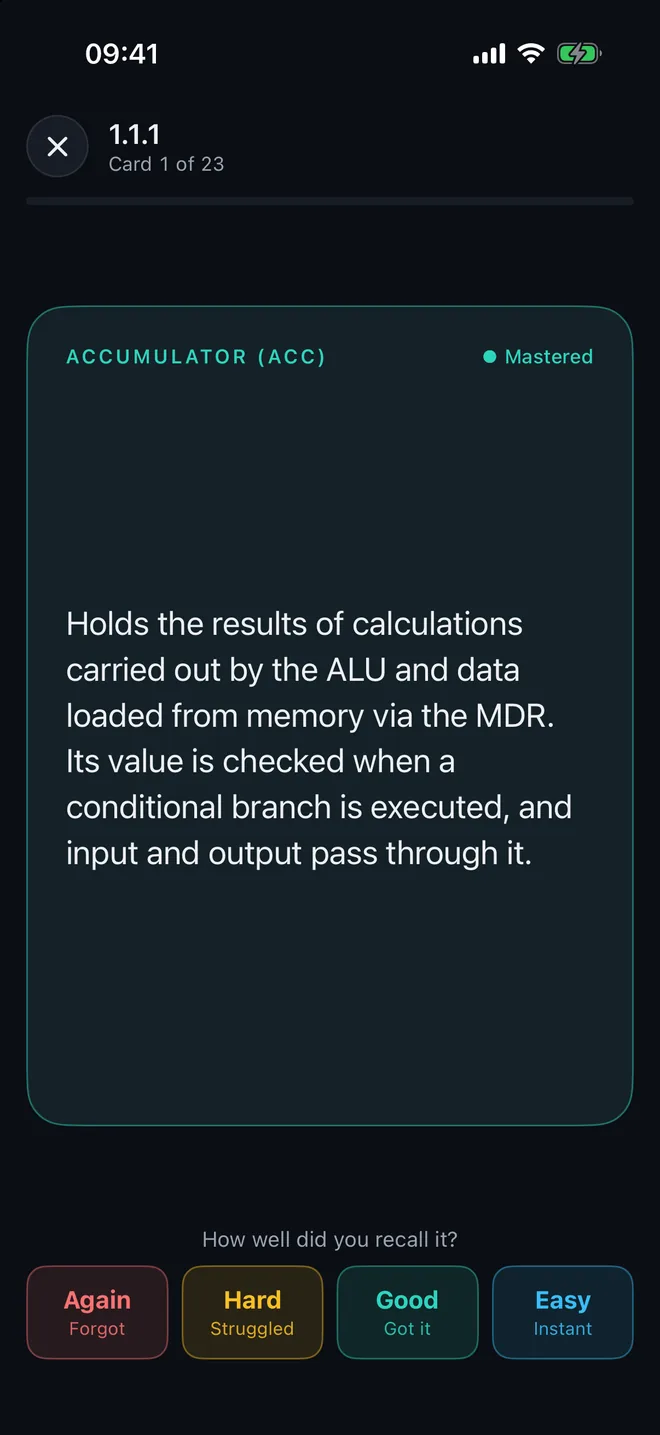
Rate each card
Flip a flashcard and say how well you recalled it: Again, Hard, Good or Easy. The Match game rates terms for you from how many tries each pair took.
- 2
Let the app schedule it
A card you found hard comes back soon. A card you know well waits days, then weeks. The Daily Deck picks what is due first, then adds something new.
- 3
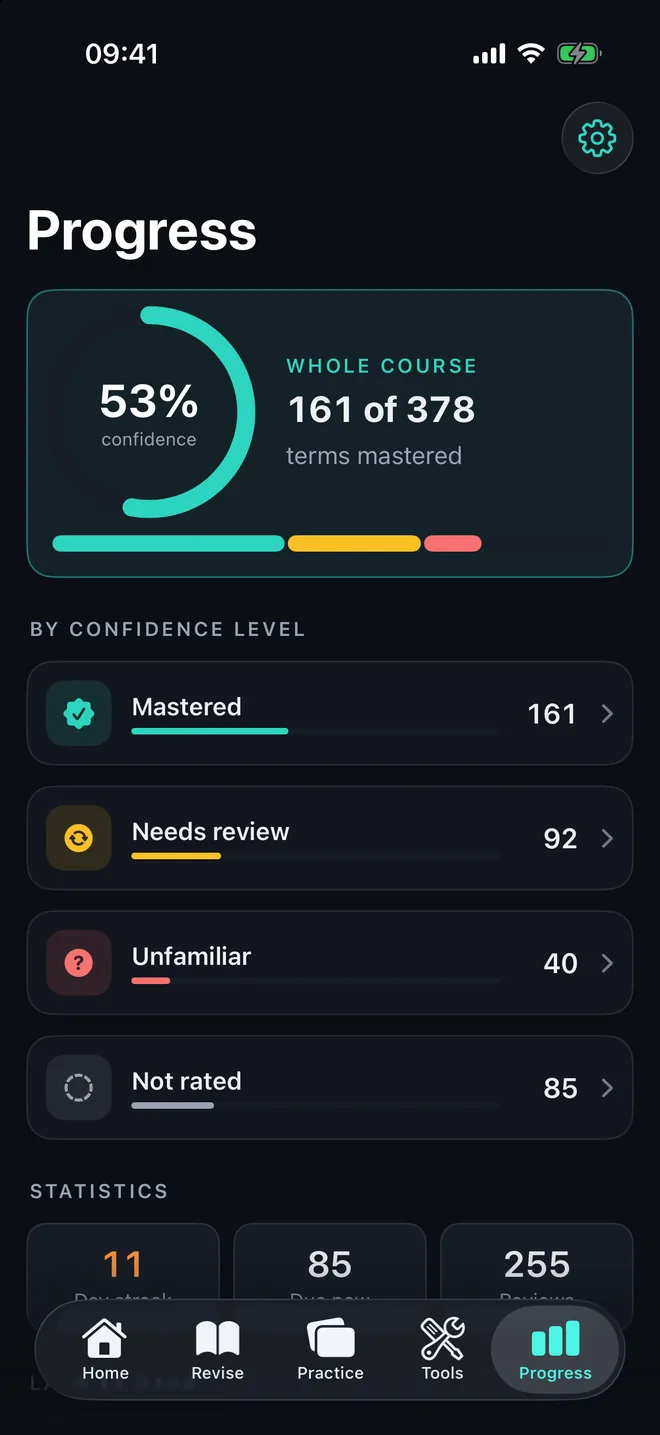
See what you know
Every term is Mastered, Needs review, Unfamiliar or Not rated. The Progress tab shows your confidence for the whole course and for each of the 24 topics.
- 4
Fix the weak spots
Quick Review drills your weakest terms, and self-marked exam questions show which topics are losing you marks.
Also in the app
- Notes for all 24 topics, the same ones as this site, readable offline
- 378 flashcards, by topic or across the whole course
- Past-paper questions with mark schemes that you mark yourself
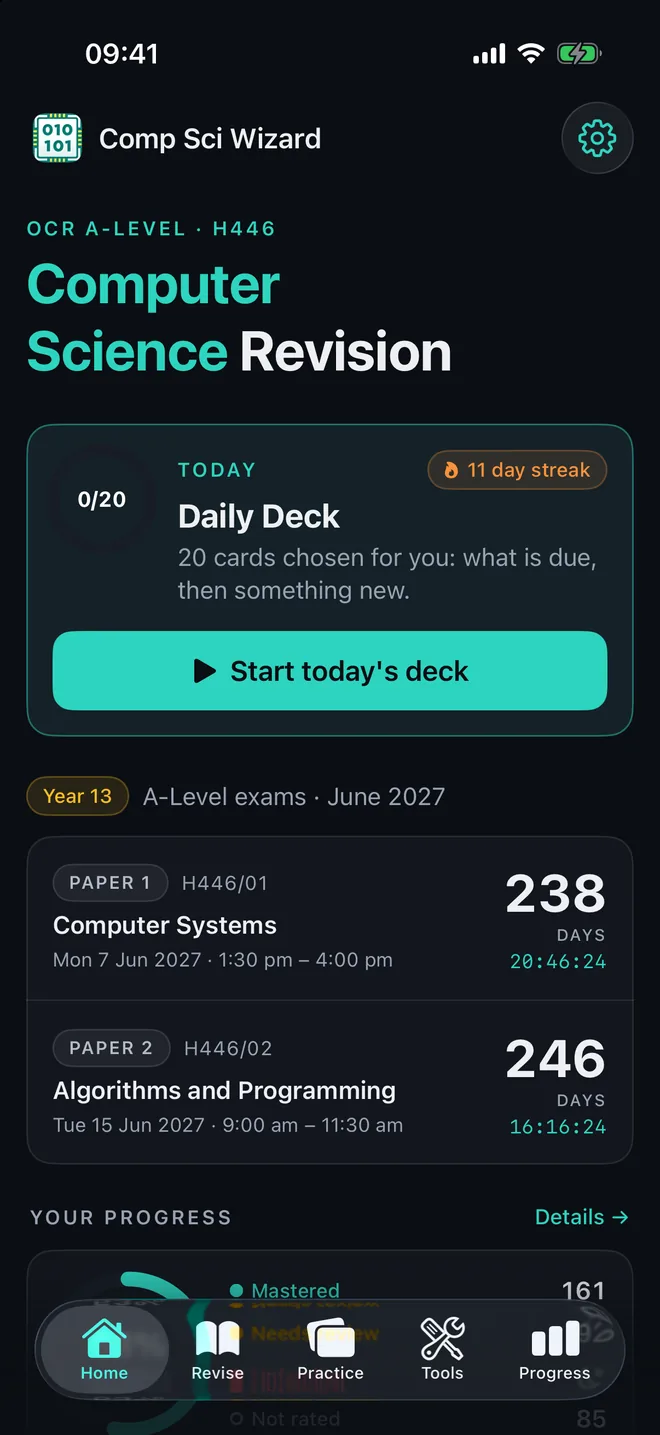
- A Daily Deck, a study streak and a countdown to both papers
- Search across notes, terms and questions
- Works on iPhone and iPad with no connection and no account. Your progress stays on your device.
The website stays free. The app is for students who want the tools and the tracking.